What you need before you start
Before you create the show, decide three things:
- A podcast topic you can return to for at least 20 episodes
- A listener promise, such as “5-minute AI news summaries for solo founders”
- A simple episode format, such as intro, three talking points, recap, and sign-off
You do not need recording gear if you use an AI-narrated workflow. PoddyHost can write the script, narrate the episode, generate or accept cover art, host the MP3, and publish through RSS.
How to start a podcast for free with PoddyHost
- Visit PoddyHost and review the free option
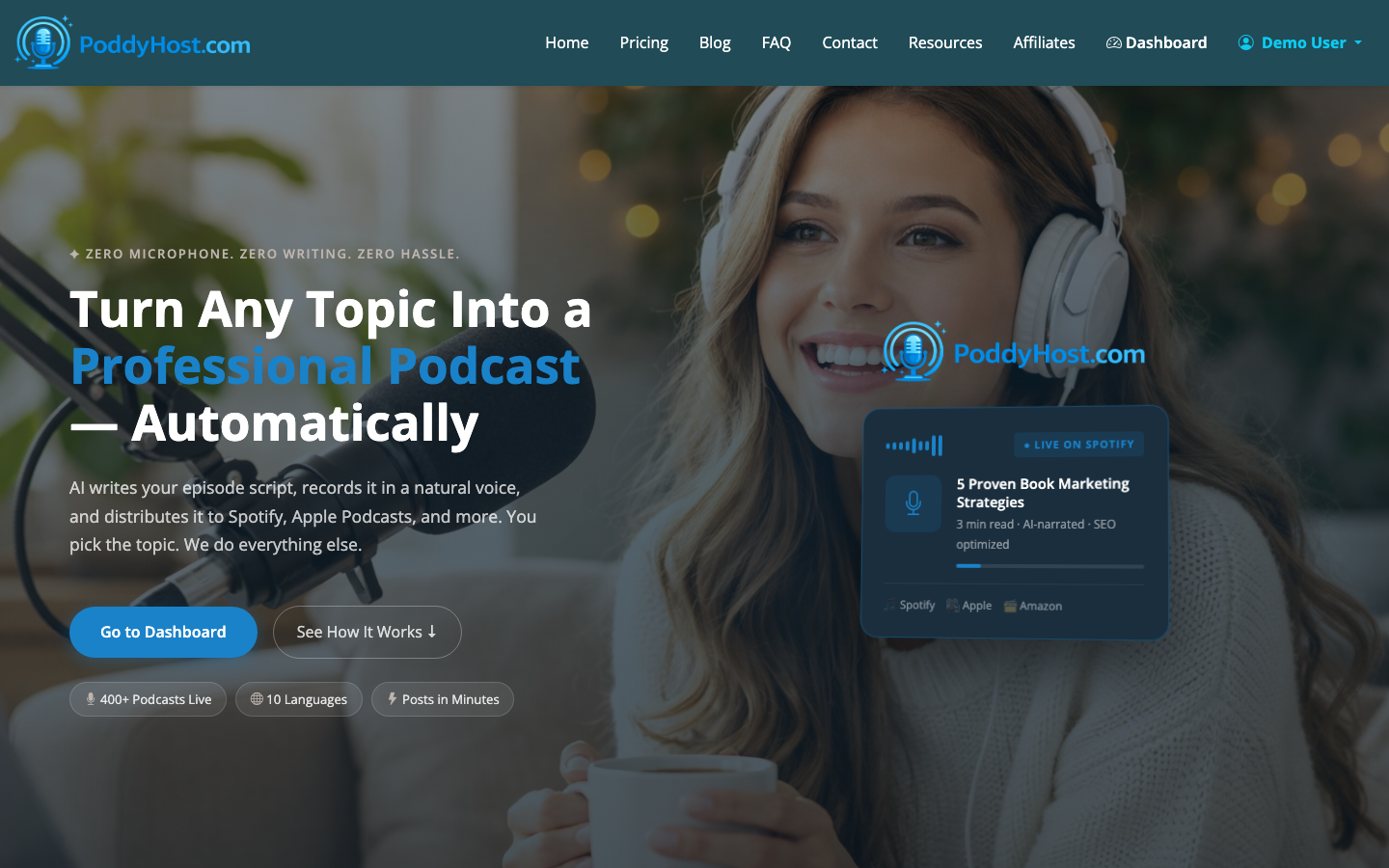
Go to the PoddyHost homepage and confirm that the platform matches the kind of podcast you want to make. It is built for AI-narrated shows where you provide the topic and direction, then use the platform to generate and distribute finished audio.
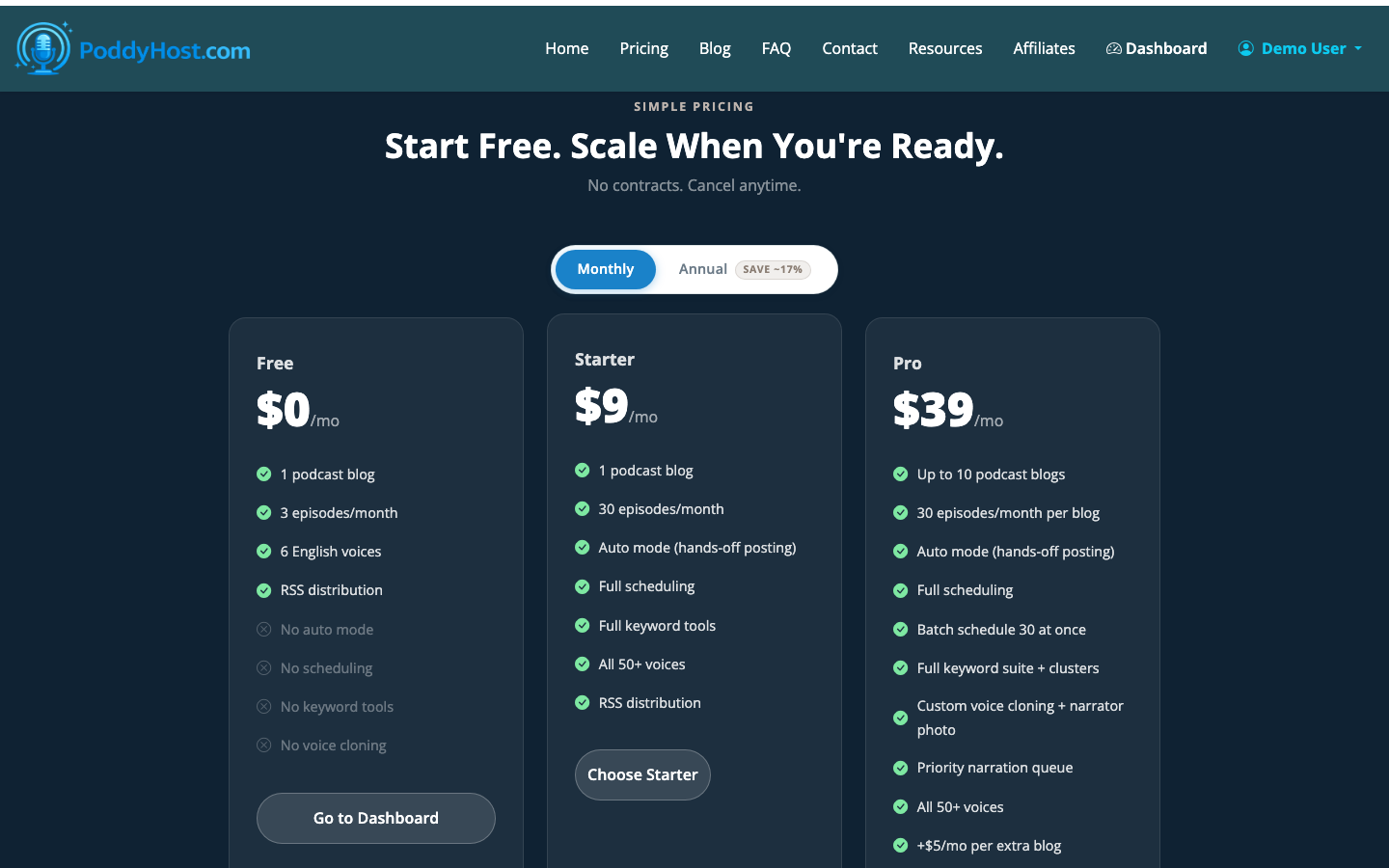
If you are comparing costs, check the pricing section before you create the show. The Free plan is the right place to test your concept. Starter and Pro are better fits once you know you want ongoing publishing, more production capacity, or paid-show workflows.
- Create your podcast topic and positioning
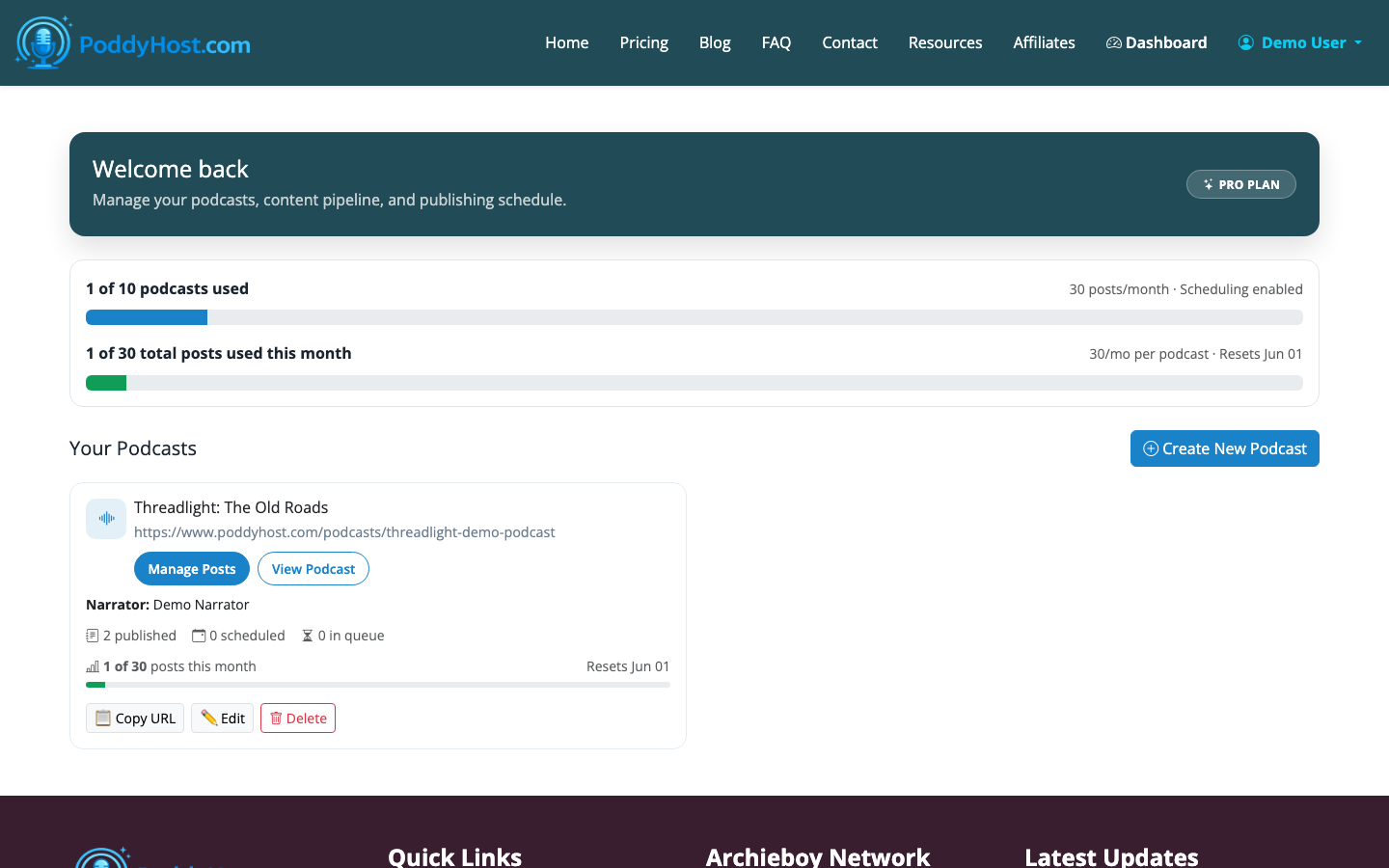
Inside the dashboard, create a new podcast around a specific topic. Write the show title for a real listener, not for yourself. A good title is clear enough that someone understands the promise before reading the description.
Examples:
- “The 7-Minute Indie Author Brief”
- “Daily AI Tools for Realtors”
- “Calm Finance Notes for New Investors”
Avoid names that sound clever but vague. If the listener cannot tell what the show is about from the title, the cover art and description have to work much harder.
- Choose an AI narrator voice
Pick a narrator voice that fits the pace and tone of the show. A news-style podcast usually needs a crisp, confident voice. A storytelling or educational podcast can be warmer and slower.
Listen to samples before committing. The voice becomes part of the show’s identity, so choose something you would be comfortable hearing across dozens of episodes.
- Add or generate cover art
Your podcast cover should be readable at small sizes because most listeners will see it in a mobile app. Use a simple title, strong contrast, and one main visual idea.
A practical free cover formula is:
- Large show name
- One subject-relevant image or symbol
- Two or three colors maximum
- No tiny subtitles
PoddyHost can generate cover art, or you can upload your own. If you upload a design, use a square image and keep the important text away from the edges.
- Build a topic keyword pool
Add several topic keywords or episode ideas so the AI has enough direction. Think of this as an editorial brief, not just a list of SEO terms.
For example, a podcast about AI tools for realtors might include:
- real estate lead follow-up
- listing description automation
- CRM cleanup
- local market update scripts
- open house promotion
The goal is to give the system repeatable lanes for episode creation. A focused keyword pool helps prevent generic episodes and keeps the show aligned with what listeners came for.
- Generate your first episode manually
Start with one manual episode before turning on any automation. Review the script direction, listen to the narration, and check whether the episode sounds like the show you intended to create.
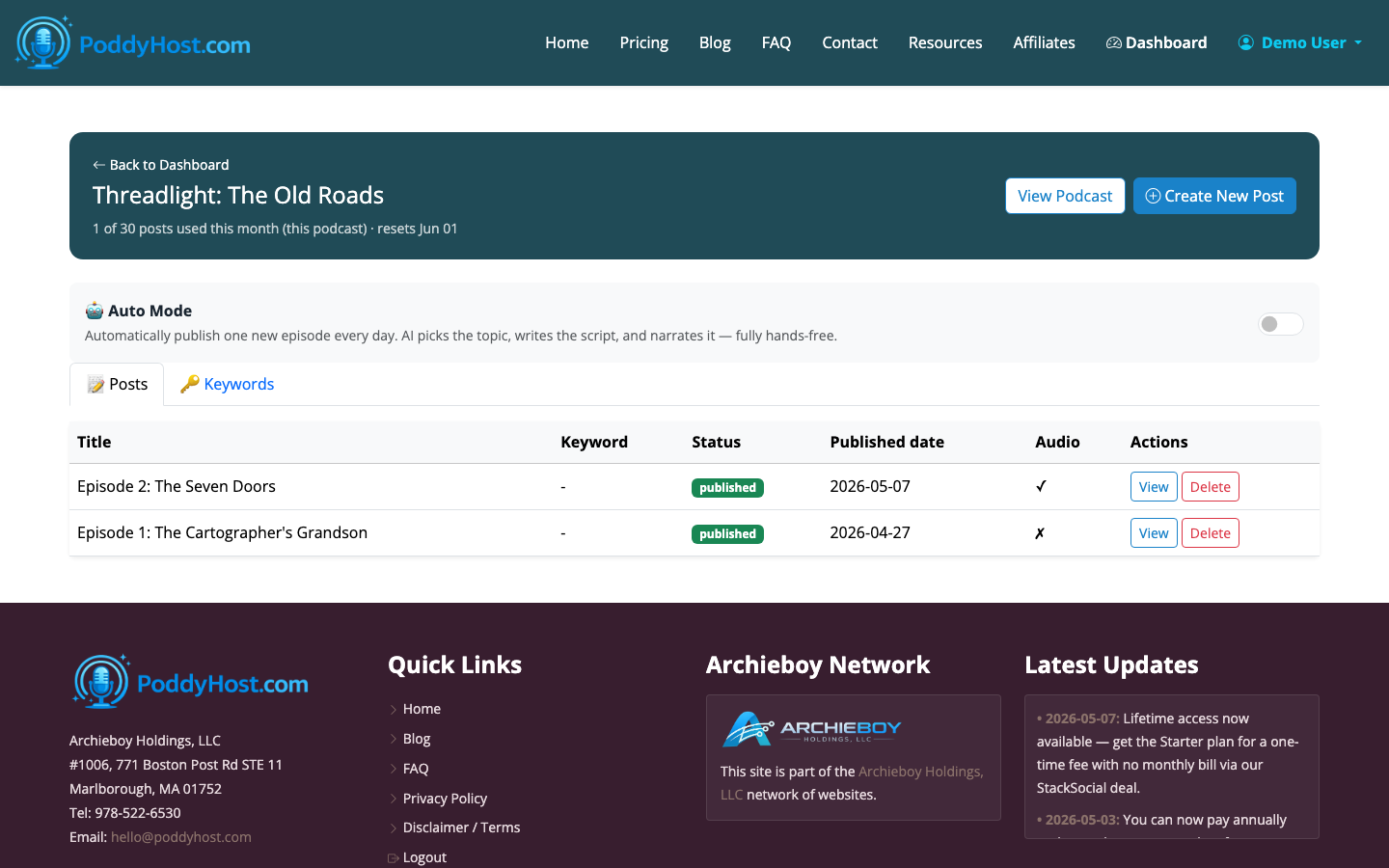
In the episodes view, you can track whether an episode is queued, generating, published, or failed. If something misses the mark, revise the topic direction and regenerate before you promote the show.
A strong first episode does not need to be long. For a new free podcast, 4 to 8 minutes is often enough to prove the concept and give listeners a complete idea.
- Publish and check your public podcast page
Once the episode is published, open the public podcast page. This is where published episodes are listed and where the RSS feed becomes available.
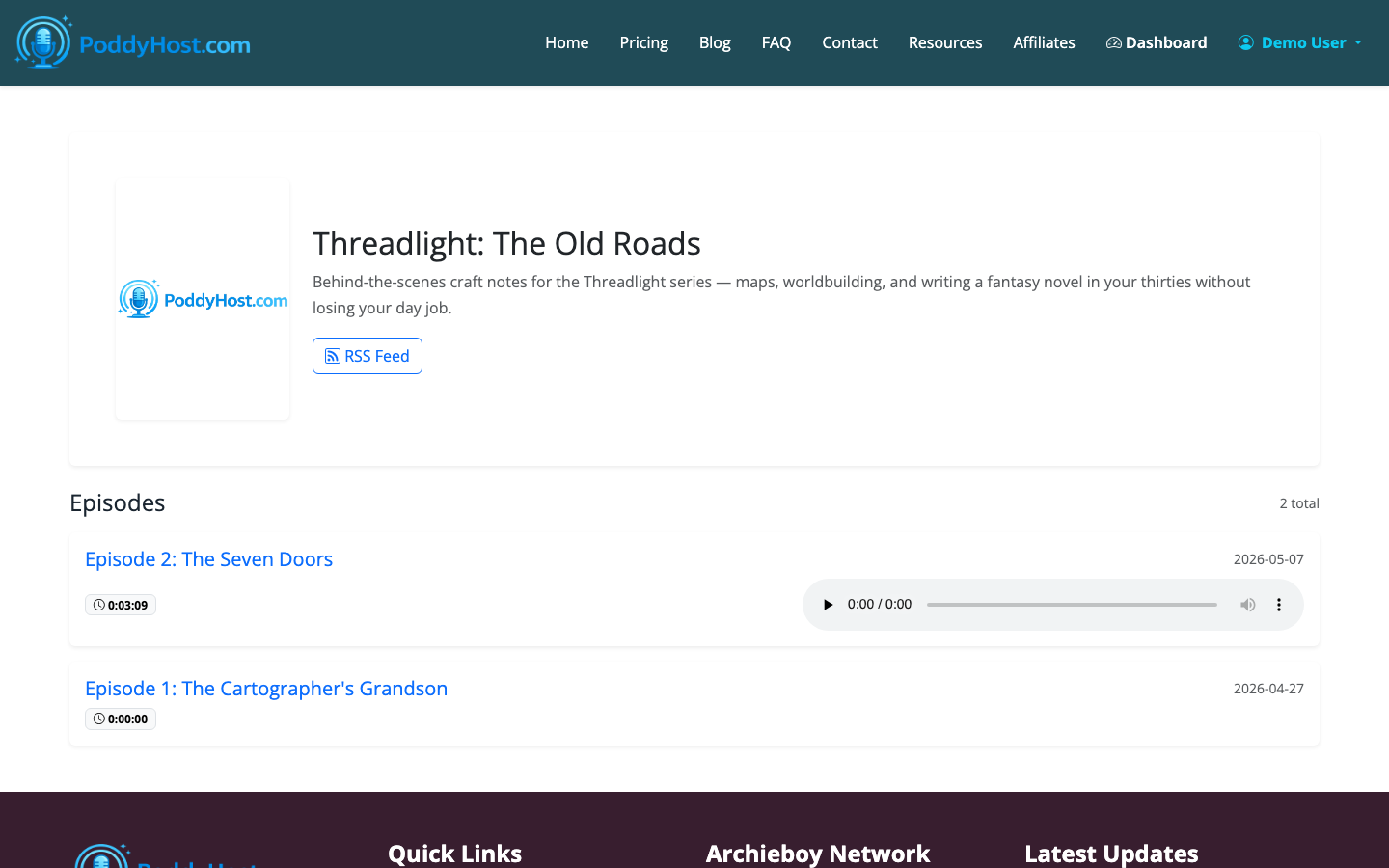
Check the basics:
- The show title is spelled correctly
- The description explains who the show is for
- The cover art looks good at a glance
- The episode appears as expected
- The RSS feed link is available
- Submit the podcast to Spotify and other directories
PoddyHost distributes finished MP3 audio through RSS and offers a Spotify submission path from the public podcast page. The RSS feed is also pushed to Podcast Index automatically, which helps podcast apps and directories discover the show.
For a fuller walkthrough, use How to Upload a Podcast to Spotify. If you are still shaping your overall launch plan, read How to Start a Podcast or the more beginner-focused How to Start a Podcast for Beginners.
What to do after your first free episode
Do not judge the podcast after one episode. Publish at least 5 to 10 episodes before making big decisions about the format. That gives you enough room to test titles, topics, pacing, and audience response.
A simple launch rhythm looks like this:
- Episode 1: introduce the promise of the show
- Episodes 2 to 4: cover core beginner questions
- Episodes 5 to 7: answer specific niche problems
- Episodes 8 to 10: refine based on what feels strongest
If the format is working and you want consistency without manual production, Auto Mode can publish one new episode per day hands-off. That is useful for news briefs, daily tips, market summaries, and other formats where freshness matters.
Can you really make a podcast for free?
Yes, if your goal is to launch, validate the concept, and start publishing without upfront production costs. A free AI podcast workflow removes the biggest early expenses: microphones, editing software, voice recording, file hosting, and basic distribution.
The tradeoff is control. A fully custom studio podcast gives you more personal presence and production nuance. An AI-narrated podcast gives you speed, consistency, and lower cost. For many first-time creators, that is the better place to begin.
More resources
Not sure if you need a dedicated website yet? Podcast Website Hosting: Do You Need Your Own Site? walks through the tradeoffs, and Podcast Cover Art Design: Creating Thumbnails That Stand Out covers the visual side before you launch.
